NanoESP Updaten

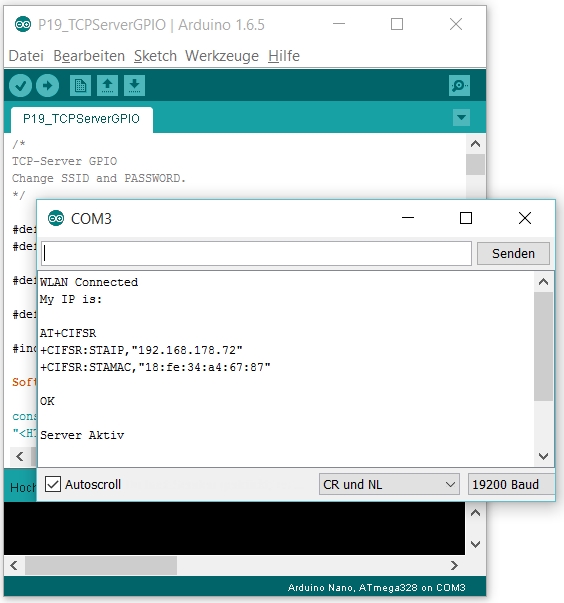
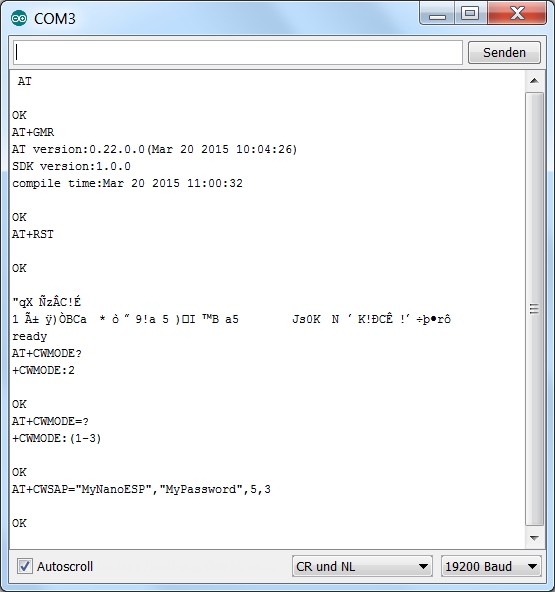
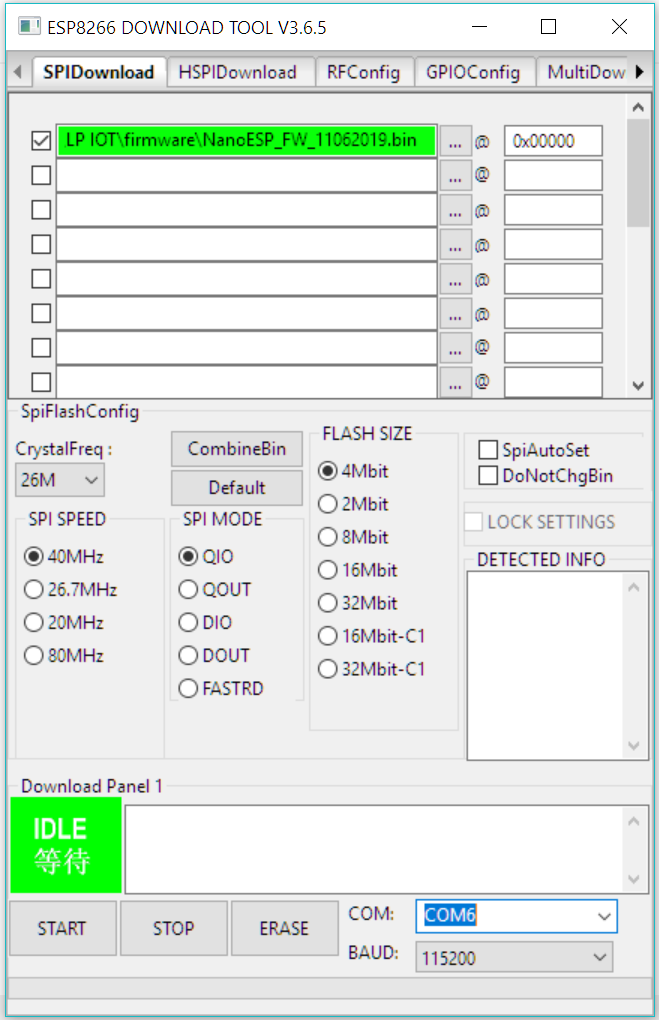
Das NanoESP-Board, auch als Pretzelboard bekannt, ist nun schon vor einer ganzen Weile erschienen. Dennoch bekomme ich immer noch Mails von Leuten, die Hilfe benötigen oder Fragen haben. Zuletzt erreicht mich eine Mail mit der Frage, ob man die Firmware des ESP8266 Chips auf einen neueren Stand bringen könnte. Der für das WLAN zuständige Mikrocontroller hat eine AT-Firmware aus dem Jahre 2015 und mittlerweile gibt es verbesserte Versionen der AT-Firmware. Das Problem ist allerdings, dass der Flash-Speicher Chip, auf dem sich die Firmware zum ESP-Controller befindet, nur eine Kapazität von 4 Mbit (also 512 kB) hat und deswegen nicht mit allen neueren Firmware Versionen kompatibel ist. Dennoch habe ich nach einigem Recherchieren eine Firmwareversion gefunden, die kompatibel ist und zudem neue Möglichkeiten bereitstellt. Deswegen finden Sie hier eine Anleitung, wie Sie das Board updaten können. ...

21.08.2019 · 6 min · Fabian Kainka

Library for NanoESP & Pretzel Board

19.09.2016 · 0 min · Fabian Kainka

Pinout NanoESP & Pretzel Board

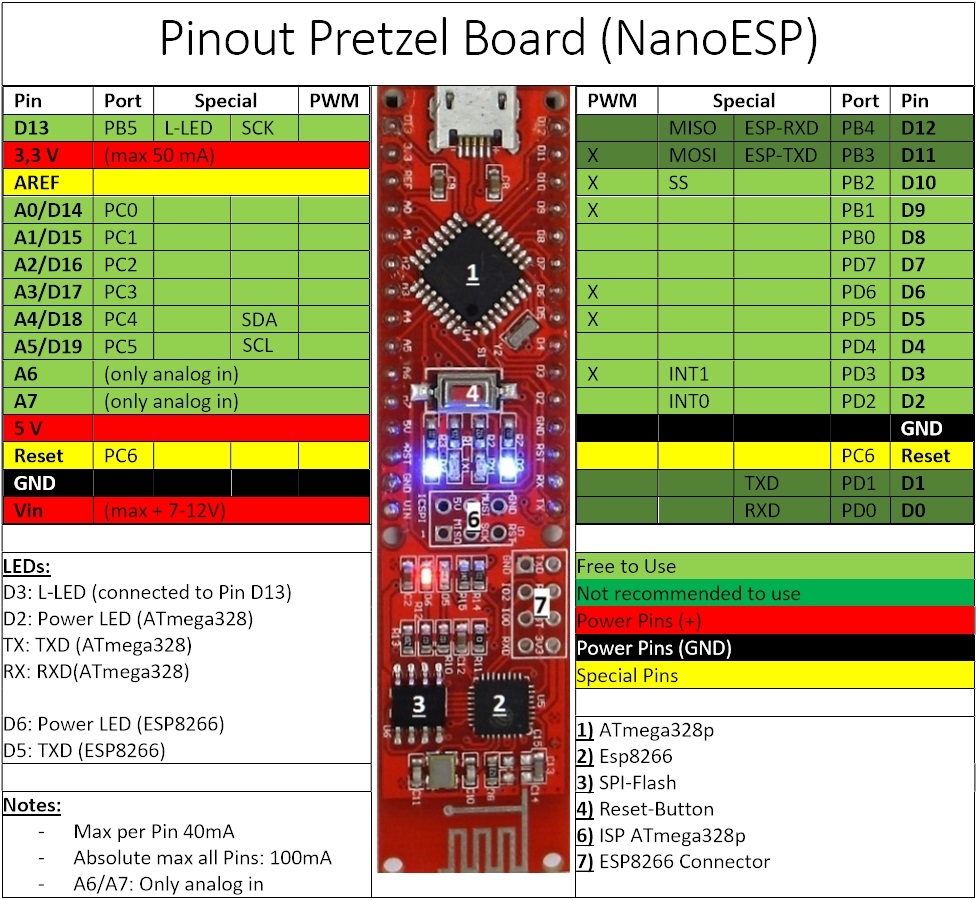
Pinout Pretzel Board (NanoESP) Download PDF: Pinout Pretzel Board

12.01.2016 · 1 min · Fabian Kainka

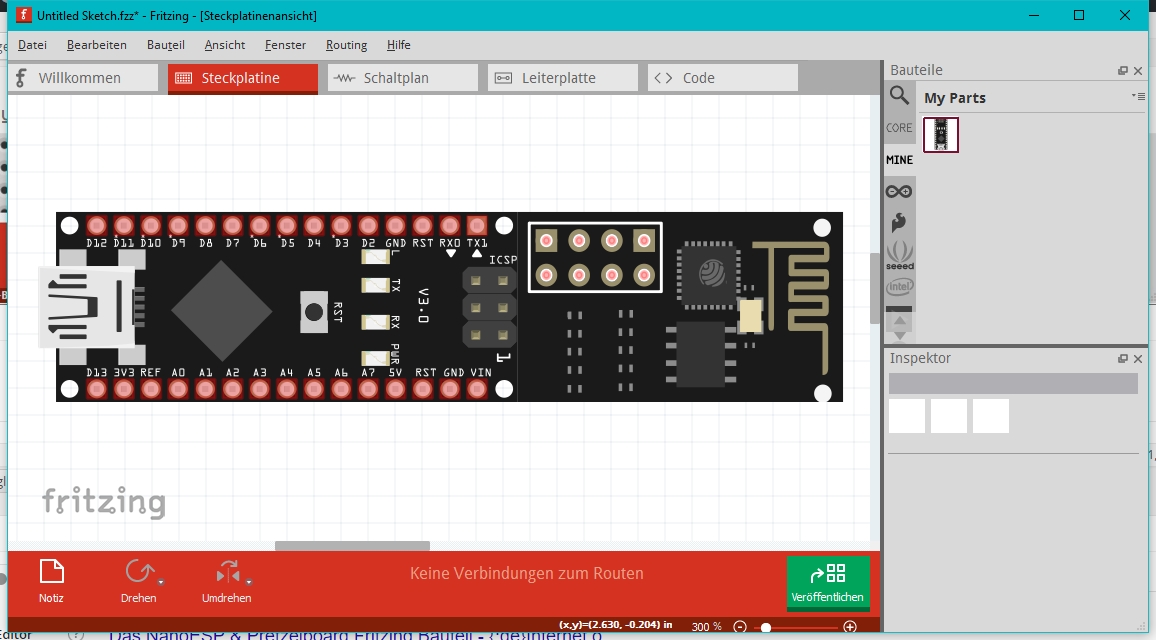
Fritzing Bauteil - NanoESP & Pretzel Board

Fritzing ist eine Software, mit der man leicht und unkompliziert Aufbaupläne vor allem für Steckboard-Projekte erstellen kann. Viele verschiedene Arduino Controller aber auch Raspberry Pi und andere Boards weden schon in der Software unterstütz und erleichern so den Nutzern, einen übersichtlichen Plan zu erstellen. Dadurch fällt es einem selbst und auch anderen Nutzern leicht, das Projekt nachzuvollziehen und nachzubauen. Für die Bilder des Adventskalender habe ich ebenfalls die Fritzing Software benutzt und mir dafür ein NanoESP-Bauteil erstellt. Für alle, die ebenfalls mit dem Bauteil Schaltungen mit Fritzing erstellen wollen gibt es hier das Bauteil zum Downloaden. ...

05.12.2015 · 1 min · Fabian Kainka

Beispielprojekt - NanoESP & Pretzelboard

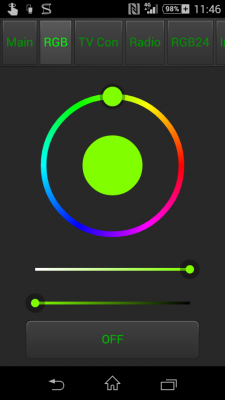
In dem hier vorgestellten Beispielprojekt soll eine einfache Ansteuerung einer bunten RGB-LED realisiert werden. Die Steuerung soll über eine Webseite oder auch über eine Smartphone-App möglich sein. Die Verbindung kann sowohl über einen Router, und damit auch aus der Ferne über das Internet, als auch über den AccesPoint des Moduls hergestellt werden. Es ändert sich jeweils nur die zu adressierende IP. Sie können das vorgestellte Programm hier herunterladen Der Aufbau der Schaltung auf einem Steckboard Die Programmierung erfolgt über die Arduino-Oberfläche, die sich jeder kostenlos auf der Seite www.arduino.cc herunterladen kann. Als Board kann einfach das Arduino Nano Board ausgewählt werden (ATmega328p Version). Bevor das Programm hochgeladen wird, müssen die WLAN Daten am Anfang des Programes eingetragen werden. ...

24.09.2015 · 3 min · Fabian Kainka

Board specifications NanoESP & Pretzel Board

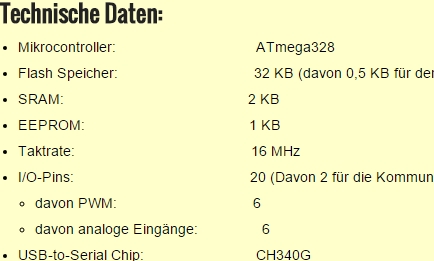
On this page you can find the specifications of the Board Specifications: Microcontroller: ATmega328 Flash memory: 32 KB (including 0,5 KB for the Bootloader) SRAM: 2 KB EEPROM: 1 KB Taktrate: 16 MHz I/O-Pins: 20 (including 2 for communication with the WiFi module) Included PWM: 6 Included analog inputs: 6 USB-to-Serial Chip: CH340G Operating voltage: 5 V Recommended input voltage:: 7-12 V Maximum current per I/O pin: 40 mA Load capacityof the 3.3 V output: 50 mA WLAN-Modul: ESP8266 ...

23.09.2015 · 1 min · Fabian Kainka

Quick Start - NanoESP & Pretzelboard

When you attach the board for the first time via the MicroUSB connector, your PC will try to install a driver. If this does not work automatically download and install the driver here. The ArduinoTM IDE provides the simplest way of programming the development board. Download the IDE from www.Arduino.cc. When you start the software, you first have to choose the correct port and board. For the latter, you select the Arduino NanoTM (ATmega328 processor). ...

22.09.2015 · 1 min · Fabian Kainka

Questions and Answers - NanoESP & Pretzelboard

In this section you habe the possibility to ask questions or give suggestions to a subject related to the Pretzelboard (NanoESP) via the commentary function.

21.09.2015 · 1 min · Fabian Kainka

AT Commands -NanoESP & Pretzelboard

Description Command Basics Test Command AT Reset AT+RST Firmware Infos AT+GMR Echo On/Off ATE<1/0> WiFi Commands WiFi-Modus (1 = Client, 2 = AP, 3 = Dual) AT+CWMODE= Search WiFi network AT+CWLAP Connect to Wifi AT+CWJAP=““,““ Disconnect WiFi AT+CWQAP Settings WiFi -AccesPoint AT+CWSAP=““,““[,,] Show IP AT+CIFSR activate/deactivate DHCP AT+CWDHCP=<1/0> Auto connect to WiFi AT+CWAUTOCONN=<1/0> Change MAC address of AP AT+CIPSTAMAC= Set IP address of station AT+CIPSTA= Set IP address of AccesPoint AT+CIPAP= Start SmartConfig AT+CWSTARTSMART= Stop SmartConfig AT+CWSTOPSMART Communication Ping AT+PING= Accept multiple connections AT+CIPMUX= Set transfer mode (0=normal, 1= unvarnished transmission mode, only for TCP single connection) AT+CIPMODE= Structure of received data +IPD,,: Start connection AT+CIPSTART=““,““, Send data AT+CIPSEND=, Close connection AT+CIPCLOSE= Server Commands Start TCP server AT+CIPSERVER=1, Stop TCP server AT+CIPSERVER=0 Server status & connected clients AT+CIPSTATUS Set server timeout AT+CIPSTO= Show connected clients AT+CWLIF

20.09.2015 · 1 min · Fabian Kainka

Driver -NanoESP & Pretzelboard

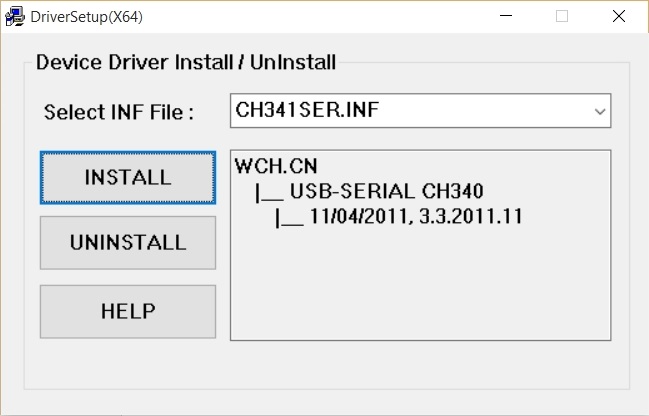
The Pretzelboard (NanoESP) needs a driver for the USB-to-Serial Chip CH340G to work properly. You can download the driver here: Windows (Windows 98 - Windows 10, 32-Bit/64-Bit) Linux Version Mac Version (Attention: There seems to be a problem with MAC OS Sierra. Bellow are two links with walkthroughs: https://github.com/jimaobian/CH34x_Install_V1.3/blob/master/CH34x_Install_V1.3.zip https://github.com/adrianmihalko/ch340g-ch34g-ch34x-mac-os-x-driver ) Android Version There is a Setup.exe file (Windows Version) in the Zip-Folder which needs to be executed. Choose Install in the following Window. ...

23.08.2015 · 1 min · Fabian Kainka